


I used to be surprised at the shoddy state of data in even the largest of companies. Now I'm disturbingly used to it. Even within the Fortune 500, only a minority of companies have a solid handle on their data. Getting a handle on data is a very difficult thing to do. Data tends to end up in fragmented data estates, siloed in various systems with each system being responsible for its own security, compliance auditing, providing interfaces, access control, and more, as seen in Figure 1. Mergers and acquisitions add even more systems, often duplicated systems, to the collection. Unstructured documents, such as PDFs and Teams chats, aren't even part of the calculations. In large organizations, there are often hundreds or thousands of siloed systems with dozens or hundreds of custom integrations between them.
Microsoft Fabric is designed to address these problems by bringing all your data into a single, easily accessible, centrally managed, secured, compliant system. Although this is an admirable goal in and of itself, it's also an imperative for artificial intelligence, especially generative AI. In fact, the need for AI systems to have access to a broad range of an organization's data in a secure, auditable, easy to use, high quality format is the main reason something as mundane as organizational data has become the highest priority for most businesses.

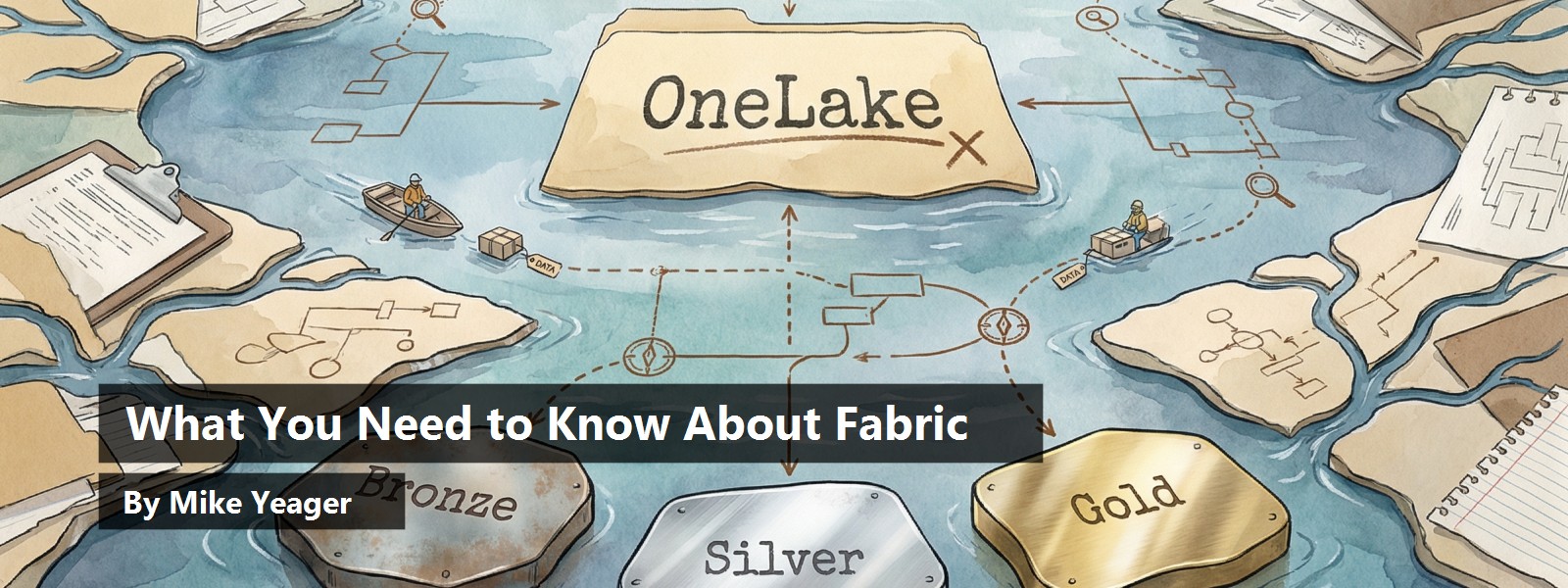
What is Fabric, and how does it solve this problem? Fabric is a suite of technologies and tools that help organizations get a handle on fragmented data estates. Its foundation is OneLake, a storage layer for all data. Every Fabric tenant has exactly one instance of OneLake. It holds everything, conceptually at least (more on that later), in a single storage layer.
Structured and semi-structured data are stored in Delta Parquet files in OneLake. A deep dive into Delta Parquet format is outside the scope of this article, but it's important to know that OneLake uses a single powerful format. These files are surfaced as data warehouses, data lakes, lake houses (a sort of hybrid warehouse and lake) and relational databases. Unstructured data, such as PDFs, image files, and Word and Excel documents are stored as BLOBS. These files are often, but not always, processed and ingested into Delta Parquet files. For example, a CSV file stored as a BLOB may be read into a OneLake table, or an image file might be OCRed and the data stored in a table.
Microsoft Fabric brings all your data into a single, easily accessible, centrally managed, secured, and compliant system.
There's a set of Fabric tools that collect data from every source, including any and all databases, including SQL Server, Oracle, MySQL, MongoDB, etc., as well as sources like Dataverse, AWS buckets, Google Docs, system log files, and email systems. Fabric Data Factory and Fabric Data Engineering tools exist to bring all data from your organization into OneLake. These tools are used to create data pipelines, Python and Spark notebooks, and other artifacts to keep data continuously flowing into OneLake; it's what we used to call Extract, Transform, and Load (ELT or ETL). In addition, Fabric has the concepts of Mirroring and Shortcuts. Mirroring is an automated way to maintain an exact copy of data from an outside system in OneLake through continual, one-way synchronization. For example, you can mirror an Azure SQL, SQL Server, or Oracle database into OneLake and the data flows automatically into OneLake moments after the source system is updated. Shortcuts is a way of establishing an ongoing connection to external data and gathering metadata so that data isn't copied into OneLake but appears in OneLake as though it had been copied and it's read from the source system only when needed.
Fabric supports but doesn't impose the Medallion Architecture, which is where you have Bronze, Silver, and Gold data layers. The Bronze layer is raw, unmodified data as it comes from the source system. The Silver layer is scrubbed and validated data. The Gold layer is curated, aggregated, and annotated data, ready for consumption and analytics. Yes, you read that right, there are often three (or more) copies of the data in OneLake, in addition to the data in the source systems. Data can be traced from higher layers back to their source to prove lineage and validity. Data engineers design, implement, and maintain these pipelines and processes.
The payoff of Fabric is that all kinds of data from all kinds of systems, often from multiple organizations and locations, ends up in a single data storage system in (mostly) a single format where it can be centrally secured, managed, made accessible, explored, mined, reported on, and used for real-time decision-making, including use by AI. It's a single system and a single source of truth. That's the power of OneLake.
As I mentioned earlier, The Delta Parquet files in OneLake can be surfaced in the form of Azure Data Warehouse, Azure Data Lake, Azure Lakehouse, and Fabric SQL Server, and unstructured documents are stored as BLOBS. Azure Data Warehouse typically stores data in star or snowflake designs with large fact tables and smaller attribute tables that allow end users to slice and dice and drill down into data from multiple perspectives interactively, as shown in Figure 2. Data Warehouse data can also be accessed with T-SQL and is often used to power pivot tables, dashboards, and reports. Azure Data Lake allows more direct access to the Delta Parquet data via Python, Spark, T-SQL, KQL, and other methods. Azure Lakehouse is based on DataBricks and is a sort of hybrid between a warehouse and a lakehouse. Fabric SQL Server simply lets you avoid having to shortcut, mirror, or ingest production data into Fabric because it's already in Fabric.

Despite some differences between Azure SQL Server and Fabric SQL Server, it is, for the most part, the same product. The main difference is that in Fabric, SQL Server's data is stored as Delta Parquet files in OneLake instead of .mdf and .ldf files, making it instantly available in Fabric without mirroring or an ingestion pipeline.
The next part of Fabric are the tools that make use of the data surfaced in OneLake. Although use of the data is not confined to Fabric or Fabric tools, there are some very powerful tools available for data science, real-time intelligence, and good old-fashioned business intelligence, as shown in Figure 3. Your data science team is free to explore, prep, clean, model, score, and experiment with your data to find insights and patterns, solve problems, and guide decision-making. Real-time intelligence tools can monitor data as it flows through the system and even be automated to take action based on rules and conditions without waiting to be manually triggered following a report long after the fact. Finally, Power BI, a well-established business intelligence tool for creating reports, dashboards, visualizations, and semantic models is now part of, and deeply integrated into Fabric. Gone are the days when these tools connected to isolated production systems individually with endless custom integrations.
You may be wondering how to control and manage a monster of this size. Although OneLake really is one gigantic storage system, the data isn't presented to users in one big pile. Within a Fabric tenant, there can be any number of workspaces that can be thought of as a view into the lake. Although there's no enforcement on how to configure workspaces to provide more manageable views of the data, workspaces are often created for functional units such as finance, marketing, sales, HR, etc. Although a workspace can be given access to any data in OneLake, a workspace is usually limited to only data required by its users. Larger organizations with many subsidiaries, locations, and even disparate businesses may create high-level workspaces that concentrate on combined and aggregated data, while lower level workspaces focus on individual subsidiaries, businesses, or locations. Within workspaces, there can be any number of folders. Similar to a file system, folders in workspaces help organize and limit access to data within a workspace, as you can see in Figure 3. There's a LOT more to cover on organization and security in Fabric besides workspaces and folders. It's too much to cover in this article, but workspaces and folders do much of the heavy lifting.

Purview
The next set of tools I want to cover has to do with regulatory compliance, auditing, logging, inventorying, securing, and identifying sensitive data. Not technically part of Fabric, Microsoft Purview is a set of tools dedicated to this mission. It can be used with third-party systems, not just Fabric, and it's the one thing not included in Fabric's pay-one-price plan (more on that soon). One very handy part of Purview is the Unified Catalog, a great way to get a handle on what's actually in your data estate. Another handy part is its ability to manage regulatory compliance across the entire estate, and another is to do risk analysis on very large data estates.
Copilot
Finally, I want to talk about the entire fleet of Copilots that are part of Fabric. Every tool in the Fabric ecosystem has a built-in Copilot to not only help you get things done, but also to help you get the most out of the tool. Many of the Copilots are extremely powerful and useful because they're created specifically for the tools they're built into. For example, a data engineer may need to map data from a production system in a Bronze layer into a model in a Silver layer. A Copilot is happy to look at both the source and destination as well as best practices in use, and create a PySpark notebook that handles the task and only needs minor tweaking.
It will even help the engineer put the notebook into source control within Fabric if they're not familiar with the process. There are also Copilots to help end-users find and use data. "Help me create a year-end analysis of costs broken down by…". These Copilots can be upscaled to Microsoft AI Foundry for additional fine tuning and made into even more powerful tools.
Costs
Now that you have a high-level understanding of what Fabric is and some of the things it can do, you're likely wondering what it costs. Microsoft put all of Fabric together for you with a simple pay-one-price (mostly) plan. You purchase Fabric in capacity tiers ranging from F2 to F2048. You get 1TB of storage with each capacity, so an F2 capacity comes with 2TB of storage and an F128 comes with 128TB of storage. Each capacity includes a certain amount of compute, ingress, egress, etc. F4 has twice as much as F2 (and costs twice as much) and F8 has twice as much as F4, etc. Pretty much everything is included and you can use it however you like.
You might, for example, use half of your capacity for ingestion pipeline loads, a third of it for a Fabric SQL Server instance, and the rest for running Power BI reports. You can purchase multiple capacities within the same tenant. For example, you may have an F32 capacity for production and an F8 capacity development. The combined capacity of 40TB storage is accessible to both capacities. You can find Microsoft's Fabric Capacity Estimator (currently in preview) at https://www.microsoft.com/en-us/microsoft-fabric/capacity-estimator.
Summary
Fabric helps bring order out of chaos. It helps organizations make sense of a fragmented data estate, brings regulatory compliance and auditing, centralizes access control, helps provide insights form unified data, can include real-time monitoring, and enable automation, decision-making, and AI readiness. In short, it's better and faster decisions, lower total cost of ownership, stronger governance, and AI readiness in one package.
Data is the most valuable resource of most companies. AI is making data more useful and valuable than ever. Data is an asset, data is capital, data is the foundation of management and decision-making. If you have a fragmented data estate, Fabric is an elegant way to tame it.